Segoe UI.
How do I know this and why am I posting it? Read on …
A long time ago, I installed about 833 fonts on my system. But over the years, I came to realize that a lot of the fonts were crap, looked exactly alike or were never going to be used.
So I grabbed the excellent font management software, The Font thing, and cleaned up shop. Whittling down my font count down to 300+.
Tired (it took an hour and a half), I went to use my email program (Windows Live Mail) . That was when I realized the fonts were bolded … everywhere. I knew instantly that I had deleted the font that it was using for its UI.
Windows Live Mail was trying to compensate by using the only version of the font it could find, which was the Bolded version. If I had deleted all of the font (bold, italic etc), it would probably have defaulted to an entirely different font … and given me a painful headache.
I thought for a couple of days about how I would find the font, without going through all my installed font faces to find one that had a bold version, but no normal version.
Eventually realizing that the font that Live Mail uses, isn’t a standard system font … I figured that if I sorted the Fonts in the C:\Windows\Fonts folder by “Date Modified” … the font I was looking for would be at the top of the list.
I did the sort … and sitting right there was a Segoe UI Bold … with no normal version. (Usually there is an italic, bold and bold italic version of a font).
I moseyed on down to my trash can, found the corresponding Segoe UI fonts … restored them and all was well with the universe
But I made this post, just in case someone … somewhere ever has the same problem …
Segoe UI … that’s your answer!
March 6th, 2008
Microsoft is definitely trying hard to keep pace with Firefox, Opera and Safari.
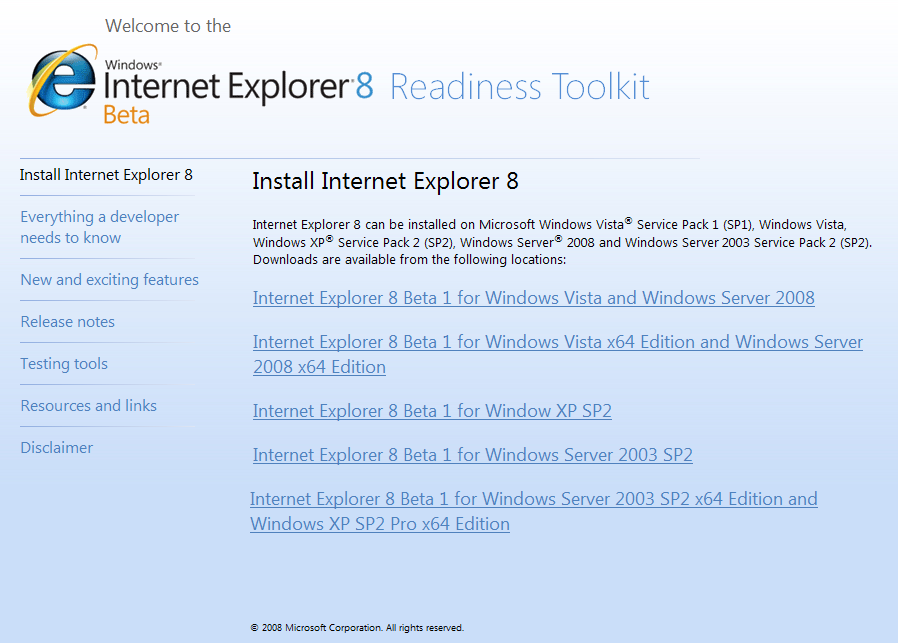
It has released a beta for IE 8

March 5th, 2008
I blogged a little while ago about the small update of IE’s javascript engine from 5.6 to 5.7.
As I was re-reading that post, I realized that it might be helpful to know what version of Internet Explorer’s JScript you were running.
Navigate to this website to get that information. The line you’re looking for is the one that says “JavaScript build” (apparently I’m running 5.6.8834)

March 4th, 2008
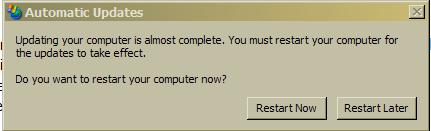
Just a quick note to help folks who want to get rid of the annoying restart prompt that keeps popping up after an automatic update has installed.
- Press the windows button and R (windows button + R) for the run prompt
- If you’ve done this before the command will be pre-filled … if it isn’t then type in
- net stop “automatic updates” <——— note the quotes?

Remember … you really should restart your computer after an update has installed. So make sure you do that eventually.
PS: Starting certain applications will cause the automatic update service to start running again and the nag will come back. Just Rinse and repeat
December 19th, 2007
This is a neat little feature in the new Windows Live Mail.

For those who don’t know, Windows live mail is the Microsoft’s email replacement for Outlook Express 6.
I love this feature so much because now, my email client won’t corrupt my contacts with a ton of useless entries (if you use craigslist a lot you’ll know what I mean).
Its exellent logic, because if I exchange emails with a person a couple of times, then its a pretty good bet that I want that person in my contact list but am too lazy to do it manually. Now Live Mail does it automagically, so you don’t have to … thats called an “intelligent default”. Makes for excellent application design because it “doesn’t make me think”
What would be even better would be the ability to set the threshold number manually.

December 19th, 2007
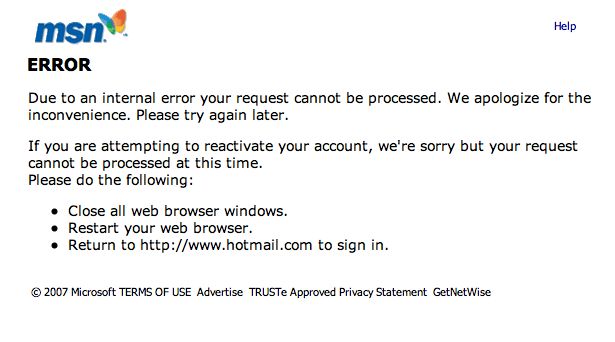
Trust microsoft to make me look stupid on the rare day that I wade in to defend them in this unfair pile-on (5 lame exuses from people still using hotmail for email).
Hotmail is inaccessible today … and I’m ripping my hair out.
The url says something about being unable to access my user data file?!?!
sigh … I have a gmail account too, BUT I can’t remember the last time they had an outage.
December 18th, 2007