This is very straight forward, but for those who think it might be complicated. Here is all it entails.
- Install the latest version of safari for windows.
- Now download the latest nightly for Webkit from the Windows Webkit Nightly build archive to a location of your choosing (Desktop?)
- Unzip the folder you get, then navigate into the folder and click the “run-nightly-webkit.cmd“
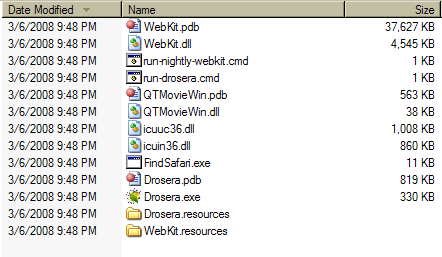
- you should see a screen like this pop up and shortly after Safari should be running with the new webkit engine.
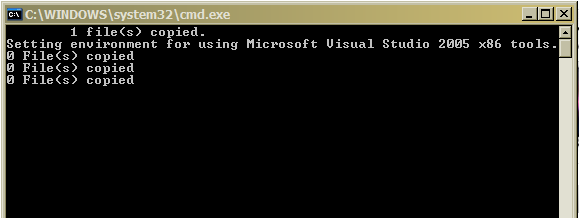
I think you might require Microsoft Visual Studio 2005 to make this work …
It doesn’t seem to make sense for that to be the case, but do post a comment if you get this to run without having Visual Studio installed.