Netbeans has become my IDE of choice for Ruby on Rails, and boy, is it an excellent choice.
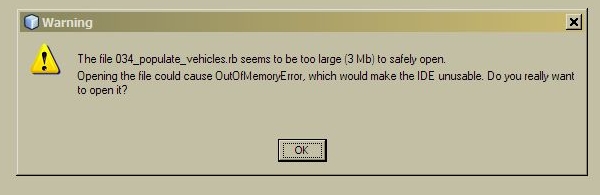
However, I was opening a project I was working on when this prompt came up.
Netbeans has become my IDE of choice for Ruby on Rails, and boy, is it an excellent choice.
However, I was opening a project I was working on when this prompt came up.
Just a quick note to help folks who want to get rid of the annoying restart prompt that keeps popping up after an automatic update has installed.
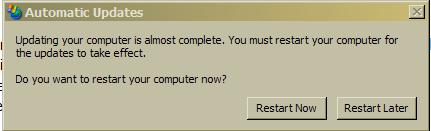
Remember … you really should restart your computer after an update has installed. So make sure you do that eventually.
PS: Starting certain applications will cause the automatic update service to start running again and the nag will come back. Just Rinse and repeat 🙂
This is a neat little feature in the new Windows Live Mail.

For those who don’t know, Windows live mail is the Microsoft’s email replacement for Outlook Express 6.
I love this feature so much because now, my email client won’t corrupt my contacts with a ton of useless entries (if you use craigslist a lot you’ll know what I mean).
Its exellent logic, because if I exchange emails with a person a couple of times, then its a pretty good bet that I want that person in my contact list but am too lazy to do it manually. Now Live Mail does it automagically, so you don’t have to … thats called an “intelligent default”. Makes for excellent application design because it “doesn’t make me think”
What would be even better would be the ability to set the threshold number manually.
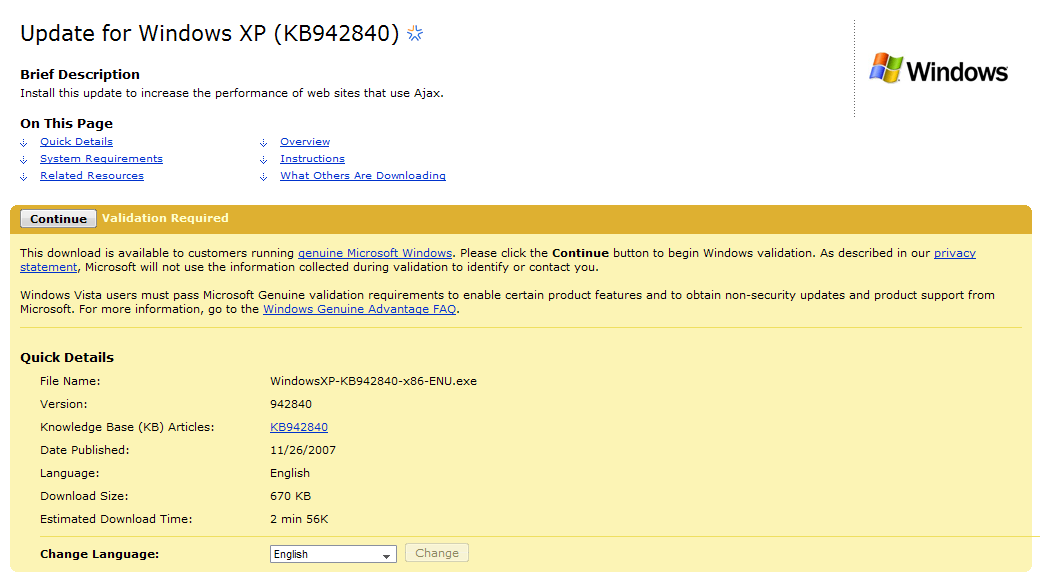
Microsoft just released an update to IE6’s JavaScript engine. It was in response to problems with its (jscript 5.6) garbage collection that would cause poor performance with Large Ajaxy applications … like Gmail. It probably also helps their hotmail web ui too, since that uses ajax as well.
I would personally have liked to see more done with this update (its only a “minor” update), but I suppose you don’t want to give people a reason to hold on to IE 6 right? Hopefully this stops Feed Demon (my RSS reader) from freezing on CNN’s pages?
Read more about the update here
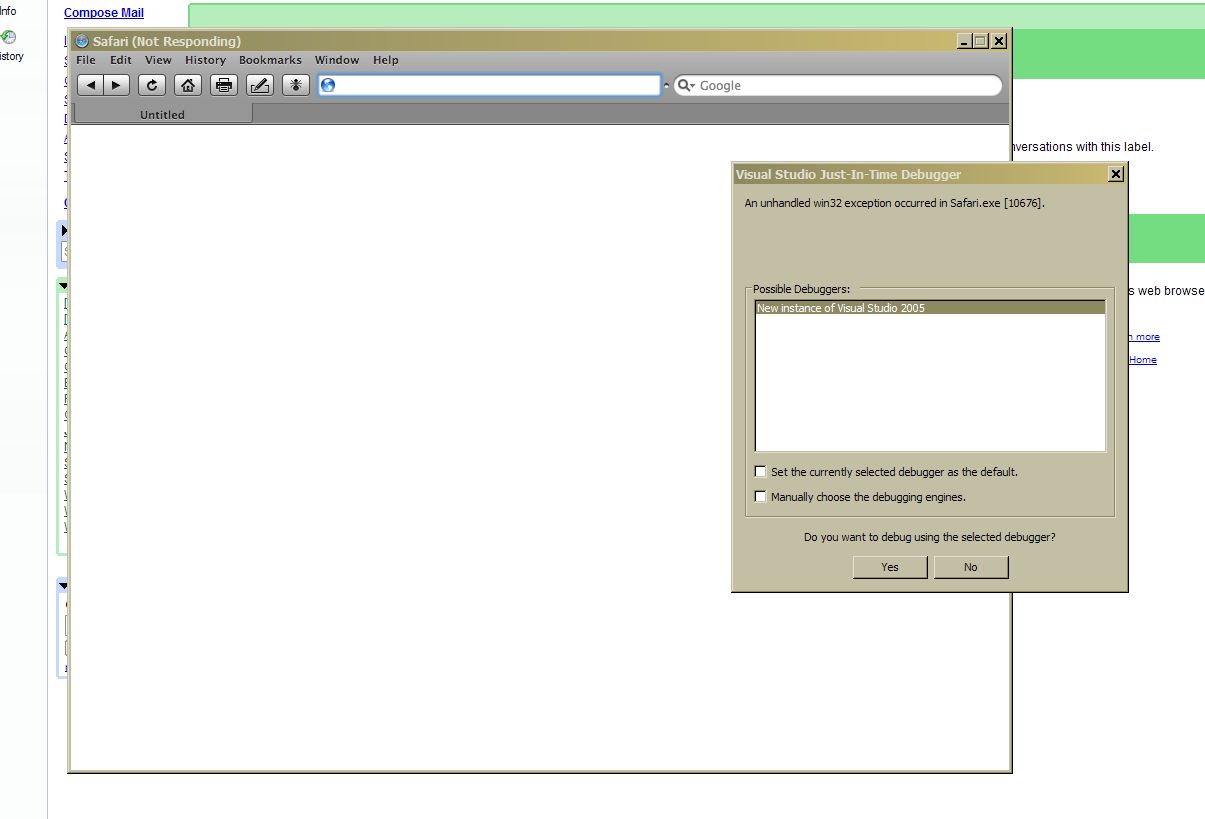
Safari for Windows (3.0.4) became my current favorite browser by (to my trained eye) slaughtering Opera in Javascript performance.
Hopefully that changes with Opera 9.25. Of late though, I’ve been having trouble with it. Safari initially broke on my Windows Laptop a few weeks ago, popping up a debugger prompt and closing immediately if I cancelled out of it.It kept running on my main workstation, however … that is until this evening, now its doing the same on my desktop.
I realize how poorly supported this browser is, because there is no place to file a bug report except from in the browser itself. Shouldn’t there be an active bug database or something for Safari on windows?
If anyone knows how to fix this please let me know … I want my super fast javascript back!
[Click on Images to see bigger versions]

Trust microsoft to make me look stupid on the rare day that I wade in to defend them in this unfair pile-on (5 lame exuses from people still using hotmail for email).
Hotmail is inaccessible today … and I’m ripping my hair out.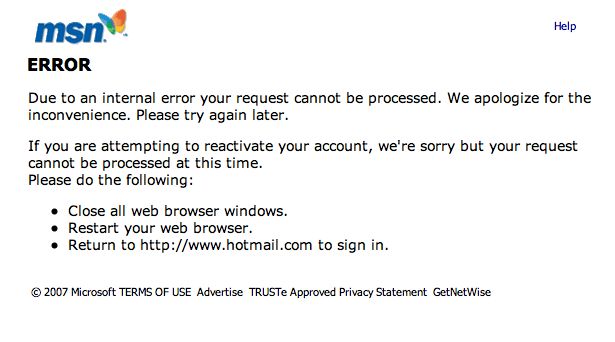
The url says something about being unable to access my user data file?!?!
sigh … I have a gmail account too, BUT I can’t remember the last time they had an outage.
This tongue in cheek article perfectly sums up why no one should be trying to move to windows Vista.
Warning: Geek sense of humor required to read 😛
“Upgrading” to Windows Xp from Vista

I started work on a web app that makes extensive use of zip codes recently.
The trouble was, I couldn’t get my hands on a good listing of all the zip codes in the United States without paying $20 or more at some fly-by-night website.
See for yourself here
Eventually … after much google-batics … I found a tiny link at the bottom of this wikipedia entry on zip-codes.
It went to this geocoding website and right there, was the link I had been looking for!
A FREE CSV file of all US ZIP codes including zip, city, state, latitude, longitude, and county.The date says it was last updated on September 20, 2007, which gives me hope that the file is frequently updated.
Many Thanks to ibegin! Enjoy!
update: The list was updated January 18th 2008
For all you php debuggers out there losing time looking up xdebug settings in xdebug’s difficult-to-look-up documentation …
now you have this …
A well documented and well commented xdebug.ini by Gaetano Giunta.
So … I’m running Windows XP on a 17″ Macbook Pro with Bootcamp …
Every now and then, when I put the laptop on Standby and try to resume work from where I left off, the USB devices stop responding all together.
This is a big problem for me, since
I poked around online, but didn’t really find anything on Google or at the Apple bootcamp forum.
So I decided to try fixing it on my own. Continue reading